
Choosing the right technology for daily life doesn’t have to be confusing. As a tech nurse and Aging in Place Specialist, I frequently recommend the Apple Watch for seniors because it offers a wide range of features that support safety, health, connection, and confidence. These tools are practical, easy to use, and designed to fit naturally into everyday routines without adding stress.
Disclosure: Some links on this page are affiliate links. If you decide to purchase through them, I may earn a small commission at no additional cost to you. I only recommend products I believe can genuinely help.
Top 30 Apple Watch Features for Seniors
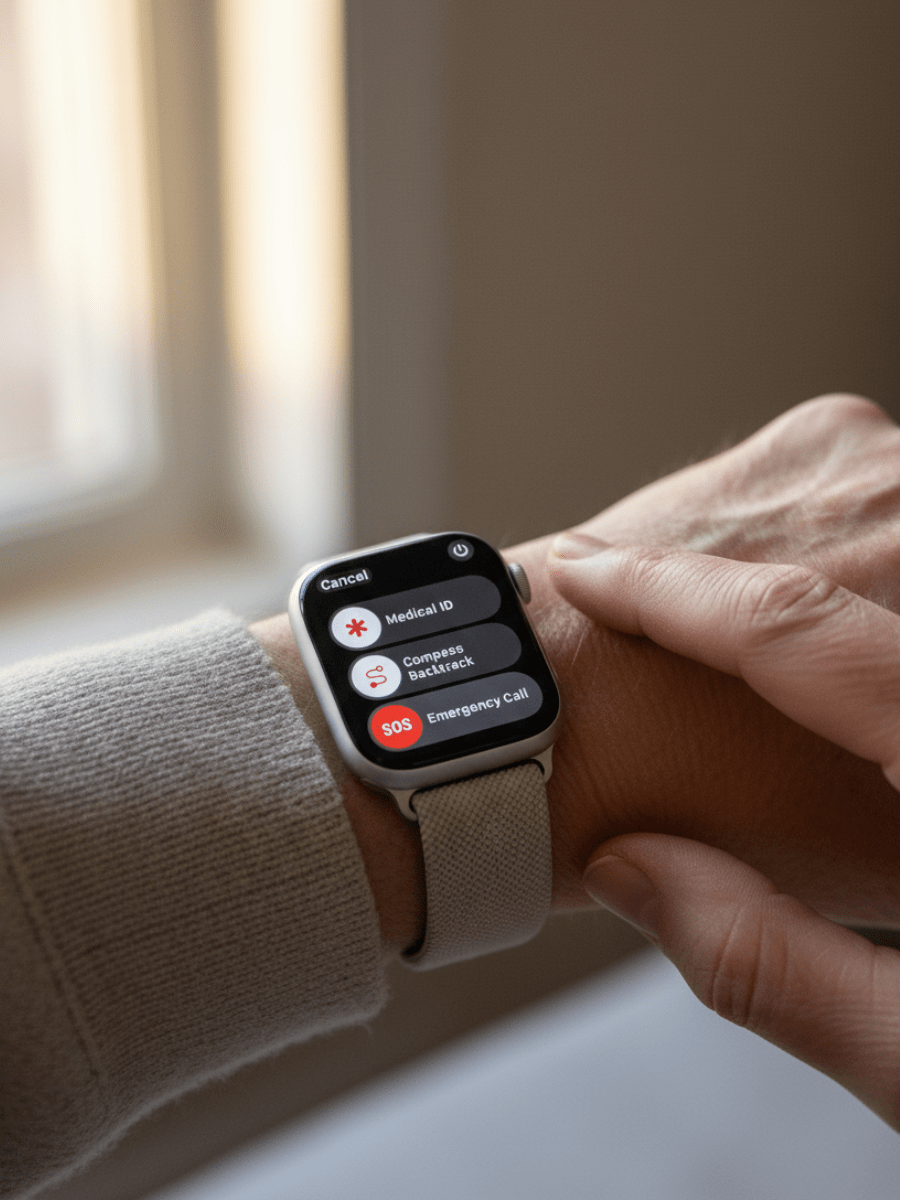
Choosing an Apple Watch
Larger Screen Sizes
A larger display is easier to read, which is helpful for notifications, viewing health alerts, and navigating the watch. Provided the wearer can comfortably wear a larger model (i.e., their wrist is not very small), choosing the larger screen size will significantly improve legibility, though it may feel more noticeable during daily use.
Charging Considerations & Battery Life
All Apple Watches need routine charging, which becomes especially important when someone is experiencing cognitive changes. I typically do not recommend the watch unless the person can reliably manage daily charging or a caregiver is able to handle it for them. A watch that loses power is no longer a safety tool, so consistency matters.
The Apple Watch SE offers all-day battery life and still needs to be charged every day.
Premium models (Series and Ultra) provide longer battery life and more flexibility. The Series line can stretch toward a full 24 hours, while the rugged Ultra models can last up to 42 hours (and even longer in Low Power Mode). This extra buffer can help when the charging routine is occasionally missed.
Pro Tip: Charge During Downtime
I normally suggest charging the Apple Watch in the evening while the wearer is not moving around (such as while watching TV). This ensures the watch is fully charged to capture the valuable overnight information, including sleep patterns and heart health data.
Cellular + GPS vs. GPS-Only
Apple Watches come in two versions: GPS and GPS + Cellular. Both models include the same hardware for safety, health, and convenience: Fall Detection, ECG, heart monitoring, reminders, and daily features. The critical difference lies in how the watch connects when the paired iPhone is not nearby.
Cellular + GPS – The cellular model is designed for standalone safety and convenience, allowing it to make calls, send texts, and contact emergency services anywhere it has cellular reception, even if the paired iPhone is at home, turned off, or out of battery. To activate this service, you will need a monthly plan through your phone carrier, usually around ten dollars.
GPS Only – A GPS-only model is still a strong choice when the iPhone is usually close by, such as at home, in a purse, or in a pocket. All core safety features, including Fall Detection alerts and location sharing, work only as long as the phone stays within Bluetooth or Wi-Fi range. If the watch is out of range of the iPhone, others cannot see its real-time location.
About the Apple Watch SE
The Apple Watch SE includes the core safety essentials like Fall Detection, emergency communication features, and basic heart monitoring. It does not include the ECG App, Blood Oxygen tracking, wrist temperature sensing, or Hypertension Notifications. These advanced health tools are only available on the premium models.
Quick Comparison: Choose Your Model
To help you decide between the most popular choices, here are the direct links to the models we recommend based on your priorities:
Budget & Essentials: Apple Watch SE (GPS) – Includes core safety features like Fall Detection at a lower price point.
Advanced Health Features (Close Range): Apple Watch Series 11 (GPS Model) – Includes advanced health sensors (ECG, SpO2) but still requires the iPhone to be nearby for emergency calls and safety alerts.
Advanced Standalone Safety: Apple Watch Series 11 (GPS + Cellular Model) – Includes advanced health sensors (ECG, SpO2) and provides independent communication and alerting without the iPhone nearby.
Note: Our site sometimes earns a small commission when you purchase through the links above. We use that commission to continue testing and recommending the best technology for seniors.
A Note on Technology: Features sometimes change. I have made my best attempt to keep this information up to date, but please check the current Apple Watch product page before purchase, as availability of features can shift between generations.
Final Thoughts
The Apple Watch brings many helpful tools together in one simple device. For adults over 55, it offers a mix of safety support, health awareness, and everyday conveniences that fit naturally into daily life. It doesn’t require advanced tech skills and doesn’t interfere with independence.
Whether you choose the SE or a premium model, even a few of these features can offer significant support for daily health and safety routines.